
If you're trying to figure out how flight works in Wuthering Waves, the short version is this: it started as a Rinascita-only traversal system in Version 2.0, then gradually expanded into a core movement tool across the game. By 2026, deep into the 3.x patch cycle, aerial travel covers every major region players regularly explore, including Jinzhou, the Black Shores, and Lahai-Roi. That makes learning the controls way more important than it first seems, especially if you want smoother exploration, cleaner event runs, and fewer awkward crashes on PC, mobile, or controller.
This guide focuses on the full picture: how to unlock flight, how the controls actually work on each platform, and what to do when the system feels clunky or refuses to cooperate.
How to Unlock Flight in Wuthering Waves
Flight is not something you get right away. You need to progress the main story until Chapter 2 Act II: Veils Off in Sun or Shadow, which is the point where the mechanic first opens up. That unlock is tied directly to Rinascita, the Mediterranean-inspired region added in Version 2.0, and honestly, it makes sense—Rinascita is basically built to teach you aerial movement with all its cliffs, vertical routes, and open space.
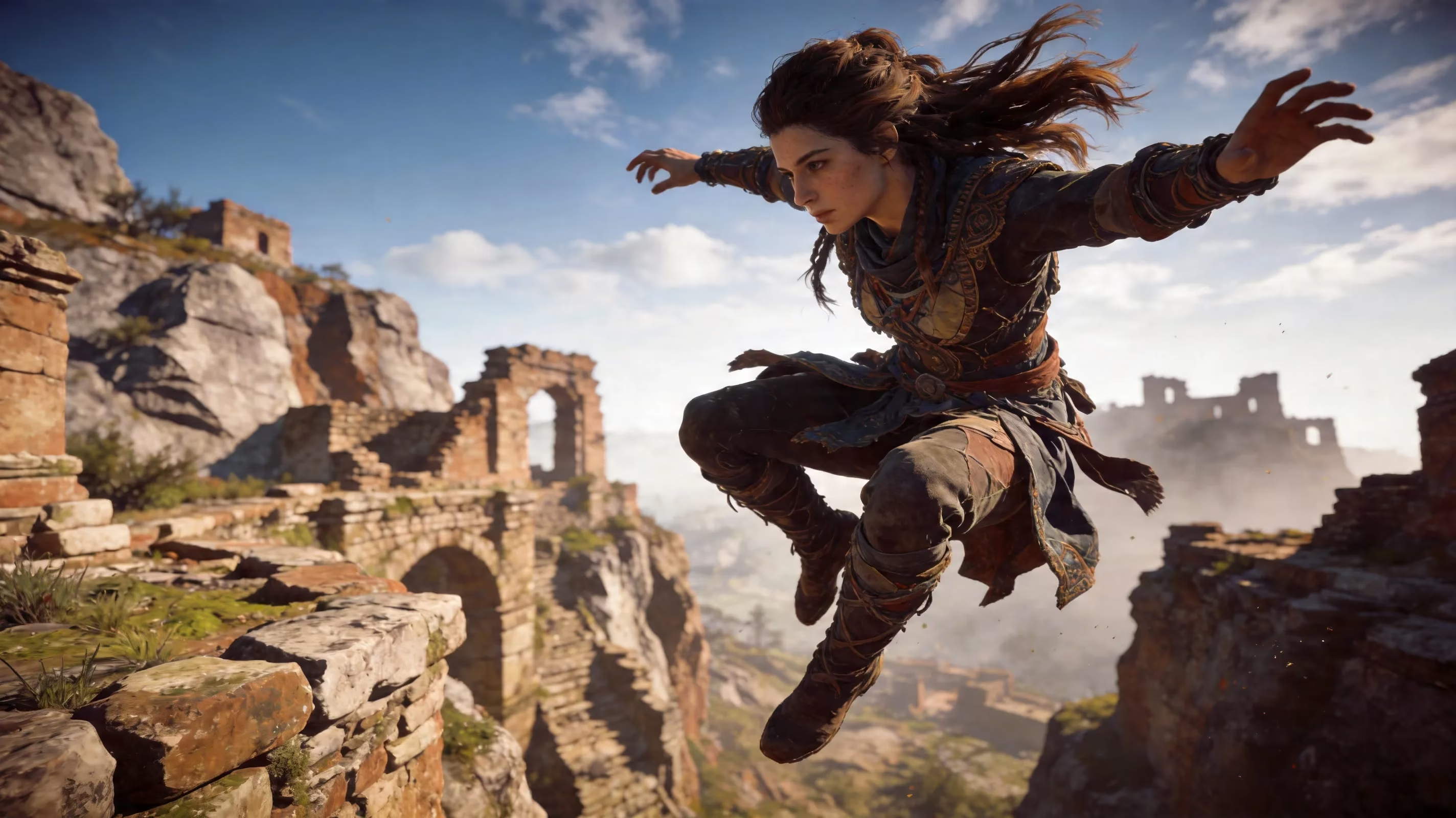
The system got a big upgrade through the Windrider Project, a permanent event added in Version 2.6 on August 28, 2025. Once you complete the related quest in Jinzhou City, an NPC named Lanyan sends you on a trial lap around the city, and finishing that expands flight access into older zones. After that, you can use flight in both Jinzhou and the Black Shores, not just Rinascita.
This upgrade also adds the extremely useful boosted jump. Instead of needing a ledge or a high point to start gliding, you can hold jump from the ground and launch straight into flight. Since the Windrider Project is permanent, players who skipped Version 2.6 can still go back and unlock everything later without missing out.
By Version 3.3 in late April 2026, flight support had effectively spread across all explored regions. The only real exceptions are certain story-locked interiors and a handful of restricted combat spaces where aerial movement is intentionally disabled. For exploration routes, echo farming, and event content, flight is pretty much essential now.
How to Control Flight in Wuthering Waves
Getting comfortable with flight starts with knowing the inputs. The basics are easy enough, but the feel changes a lot depending on whether you're on PC, mobile, or controller.
| Action | PC (Default) | Mobile | Controller |
|---|---|---|---|
| Takeoff / Boosted Jump | Space (hold from ground) | Hold Jump button | Hold A / Cross |
| Glide (airborne) | Space (press mid-air) | Tap Jump button in air | Tap A / Cross |
| Ascend / Gain Height | Not available freely | Not available freely | Not available freely |
| Descend | S + Glide, or release | Drag joystick back | Left stick down |
| Boost / Sprint mid-flight | Shift | Dash button | L3 / Sprint |
| Turn | Mouse direction | Touch drag (camera) | Right stick |
| Cancel Flight / Land | S hold or press landing | Tap cancel or land | Hold down input |
One thing you need to know right away: normal flight does not let you freely gain altitude. It works more like a stamina-based glide than true powered flying, so your height is always being spent over time. If you want more elevation before a route, you need to get it first through terrain, a grapple point, or the boosted jump.
That boosted jump from Version 2.6 is the cleanest way to launch from flat ground. Hold the jump input, charge it, and your Rover gets popped upward before shifting into glide. For most open-world routes, this is the fastest and most reliable entry into flight.
Steering is also heavily camera-based. Your glide path follows where the camera points, which means flight control is really half movement input and half camera management. On PC, that usually feels the most responsive because fast mouse movement lets you snap into tight turns. On controller, it helps a lot to tweak right stick sensitivity and reduce the dead zone a bit so steering doesn't feel delayed. On mobile, auto-camera can be the main thing fighting you, especially during precision routes.
If you want to descend on purpose, angle the camera downward while gliding. That sharpens your drop and helps you land on a specific platform or route marker instead of sailing past it. Just don't overdo it—if the descent gets too steep while holding the input, you'll break glide and drop outright.
Wuthering Waves Flight Modes and Movement Tech
Basic gliding is only part of the system. Once you start mixing it with the rest of WuWa's movement tools, flight gets a lot stronger.
Stamina management is the big limiter. Flight drains stamina continuously, and when that bar runs out, glide ends and you fall. Because of that, it's best to avoid burning stamina on extra dashes or wall-runs right before takeoff if you're trying to maximize distance. The good news is stamina comes back quickly once you're grounded, so short touch-downs between long routes are often the most efficient way to cross big areas.
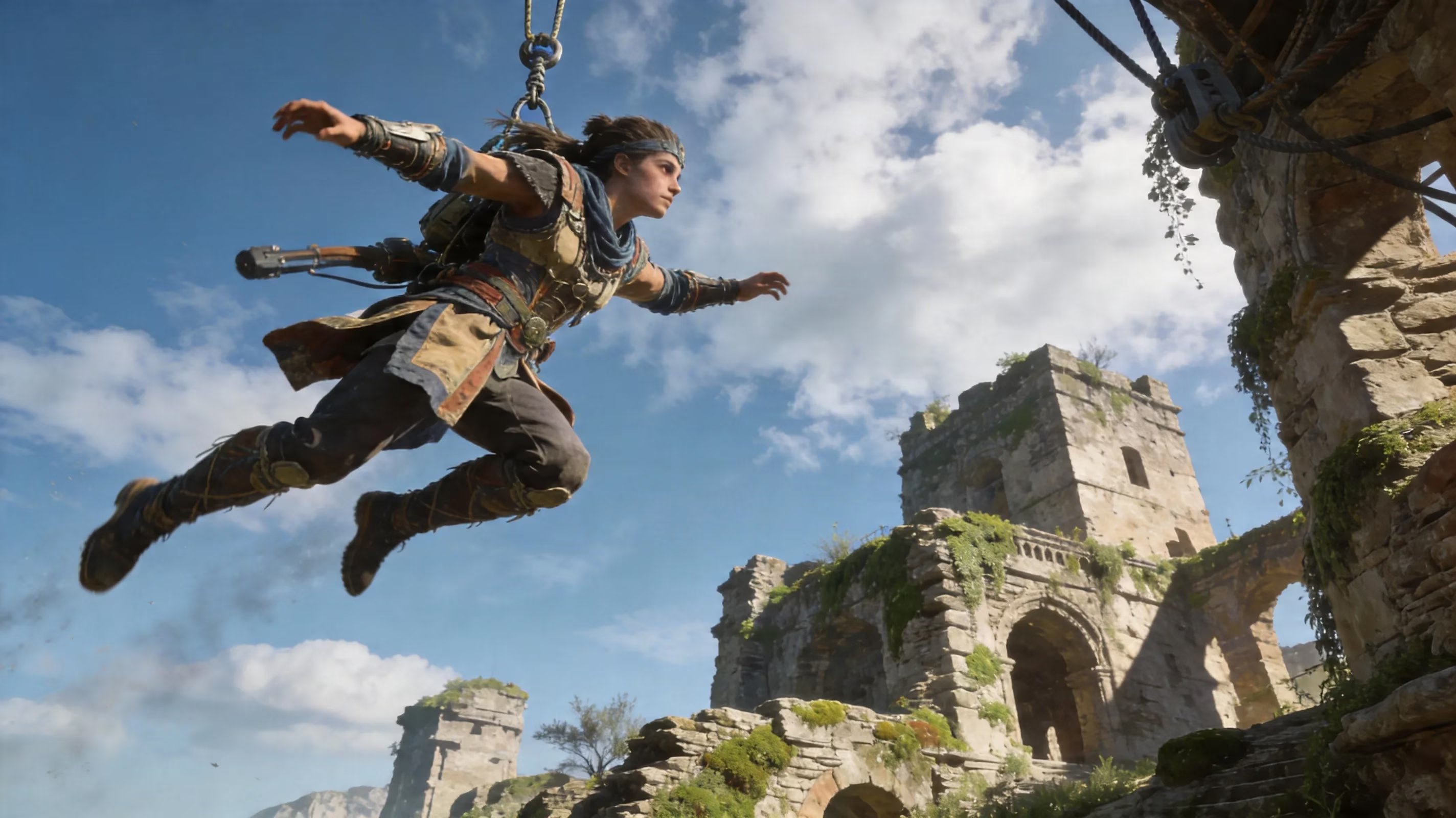
Another strong technique is grapple-to-flight chaining. If you use a grapple point to swing upward, then jump and trigger flight right at the top of the arc, you carry that momentum into your glide. The result is noticeably better range than a simple ground-based boosted jump. In Rinascita especially, where grapple anchors are everywhere around ruins and cliff walls, this tech is incredibly useful.
There's also the motorbike-to-flight transition, which became more relevant after the Expedition Motorbike got expanded in Version 3.1 with the Glacier Track module and better terrain support. If you ride at full speed and jump off right before a ledge, some of that forward momentum carries into your flight launch. It gives you extra horizontal distance that a normal boosted jump usually can't match. That's particularly handy in flatter spaces like Roya Frostlands or when you're trying to move quickly through the Black Shores.
PC and controller setup
On PC, the biggest improvement usually comes from adjusting mouse sensitivity for flight steering. If it feels too twitchy, lowering it slightly can make turns much smoother and stop those annoying overcorrections in mid-air. Some players also like rebinding the default Shift sprint input so boosting in flight feels more natural alongside movement keys.
The tap-versus-hold behavior matters too. On PC, both tapping and pressing jump in the air will activate glide, but holding jump from the ground is what triggers the boosted jump. That difference is small on paper, but in practice it's what makes takeoffs feel consistent.
For controller players on PS5 or Xbox, camera dead zone settings matter more than you'd think. If the dead zone is too large, small steering corrections won't register cleanly, and flight starts to feel sluggish. If it's too small, though, you risk stick drift during long straight glides. The sweet spot is a small but stable center dead zone that still catches subtle right-stick adjustments.
Mobile flight controls
Mobile is where flight gets the most awkward, mostly because you're handling movement and camera control on limited screen space. The best fix is usually simple: move the jump button somewhere your thumb can hit comfortably without forcing a grip change. A lot of experienced mobile players also reposition dash so both jump and sprint stay within easy reach of the right thumb.
The other major issue is auto-camera adjustment. When it's on, it can pull against your intended direction and make sharp turns feel weirdly slow or inconsistent. Turning off auto-camera rotation gives you full manual control, which is much better for precision flying, though it does mean you'll need to manage enemy tracking and objective alignment yourself after landing.
If you're on an older phone or tablet, performance settings matter a lot. Enabling performance mode and lowering visual effects can reduce the input delay that makes flight feel mushy compared to PC or console.
Wuthering Waves Flight Areas, Limits, and Upgrades
Flight coverage has expanded a lot since Version 2.0. Here's the current region breakdown based on how the system rolled out through the 2.6 to 3.3 period.
| Region | Flight Available | Notes |
|---|---|---|
| Rinascita | Yes (from Version 2.0) | Full aerial coverage, default flight region |
| Jinzhou | Yes (from Version 2.6) | Requires Windrider Project quest completion |
| Black Shores | Yes (from Version 2.6) | Requires Windrider Project quest completion |
| Lahai-Roi | Yes (from Version 3.0+) | Available upon region unlock |
| Roya Frostlands | Yes (from Version 3.1) | Added with Chapter III Act III |
| Quest-locked interiors | No | Restricted in specific story zones |
Rinascita is still the default place where players first learn the system, but the Windrider Project is what opens flight up in older content like Jinzhou and the Black Shores. From there, newer 3.x regions generally support flight as soon as you unlock them.
There are still no-fly restrictions in a few places. Story segments with scripted movement or cinematic traversal can temporarily disable flight, and some combat arenas or Tacet Discord nest areas block aerial access so encounters can't be bypassed too easily. Once the quest step ends, those restrictions are usually removed.
From Version 2.6 to 3.3, each patch steadily widened where flight could be used. So if you're coming back after a break, the main thing to expect is simple: if it's a major open region introduced during the 3.x cycle, it probably supports flight by default.
Wuthering Waves Flight Puzzles and Event Control
Flight isn't just for getting around. In several events, it's also a scored mechanic, and that changes how you need to control it.
The clearest example is the Windrider Project trial in Jinzhou. You're asked to complete a timed lap around the city, and the best approach is usually to start with a boosted jump at the launch point, then hold a steady glide line through the marker rings. Trying to force altitude changes in the middle of the route usually costs more than it helps. A shallow, controlled glide angle with camera-based steering is the safer play.
The recurring Soar to the Beat event uses flight differently. During its Version 3.2 run through April 2026, it turned aerial movement into a rhythm-style mode where players guide a flying craft down a music-synced path and hit note markers along the route. The event includes Normal, Triangle Mode, and Freefly Mode, and each one changes how much steering you actually need to do.
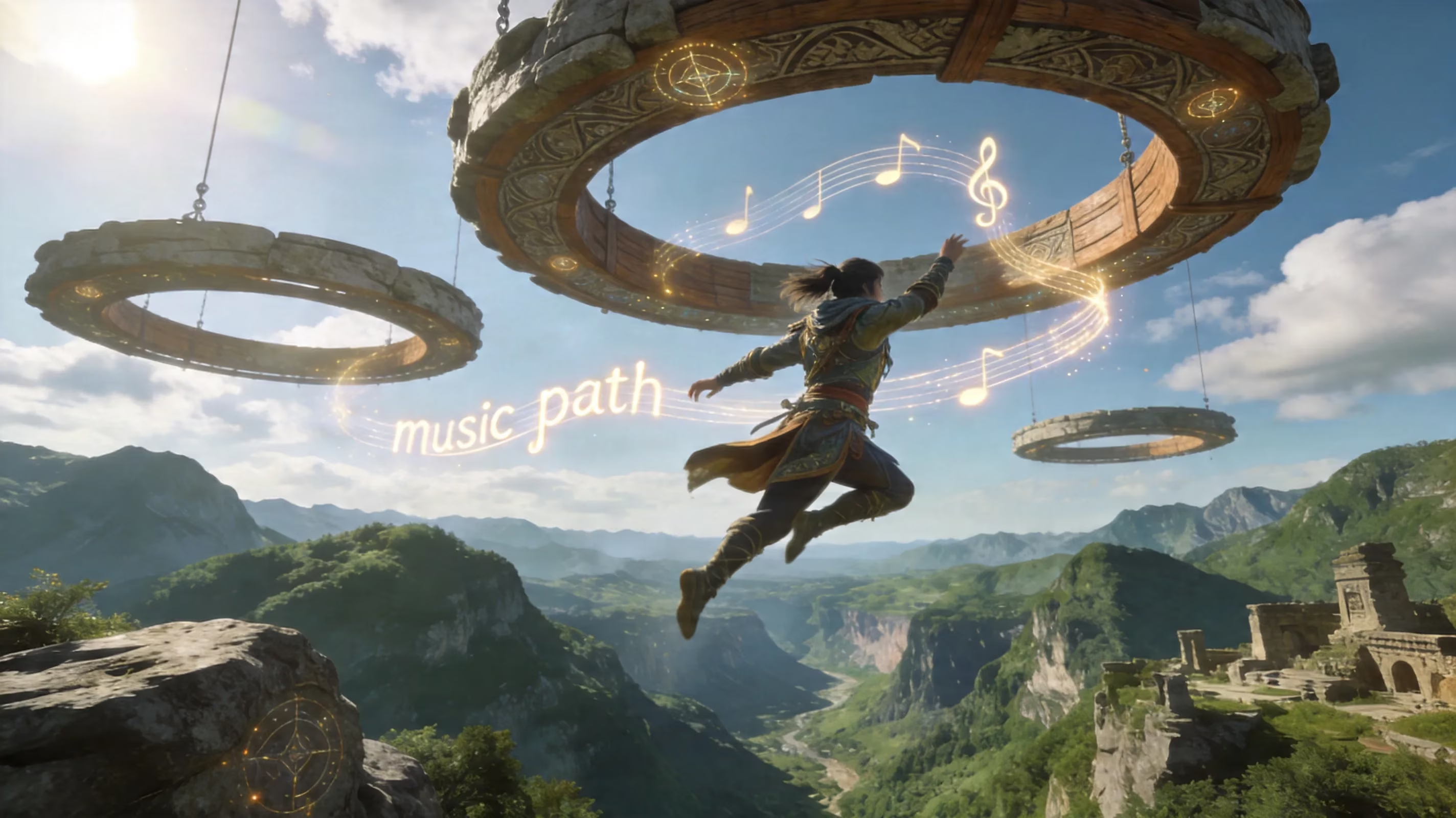
A quick breakdown:
-
Normal: Standard active control, with full attention needed for pathing and note hits.
-
Triangle Mode: Simplifies movement into lateral side-switching, which is much easier if you're not fully comfortable with flight steering yet.
-
Freefly Mode: Automates forward movement so you can focus almost entirely on timing.
For harder tracks like "To Bright Warm Gold" and "Till Dawn," keeping your direction stable through the chorus sections matters a lot. Most missed notes happen because players drift off the ring line, not because they fail the rhythm input itself. If your score starts slipping below the target threshold, the Munchie Madness finale-style recovery window seen in similar event mechanics works as a comeback opportunity near the end of each track.
If you miss a ring or gate, the best score recovery method is to get back into the corridor fast without panicking. Sharp vertical corrections usually make things worse and throw you even farther off line. Flat lateral camera adjustments are much more reliable for re-centering.
Wuthering Waves Flight Problems and Fixes
A few flight issues come up over and over, and thankfully most of them have straightforward fixes.
Flight not unlocking usually means one of two things: either Chapter 2 Act II is not fully completed, or you haven't started the Windrider Project quest in Jinzhou for older-region access. If base flight in Rinascita is already active, head back to the quest marker northeast of Jinzhou City and talk to Lanyan to trigger the expansion.
Can't gain height mid-flight is not a bug. That's just how the system works. Wuthering Waves flight is built around maintaining or losing altitude, not climbing freely in the air. If you need more height, use a grapple point, wall-run, or launch from a better ledge with boosted jump.
Camera fighting your inputs, especially on mobile and controller, is usually tied to auto-camera behavior or dead zone settings. Turning off auto-camera and fine-tuning the camera dead zone in the options menu fixes this for most players.
Mobile lag or input delay during flight is generally a hardware performance issue rather than a network one, since flight itself is client-side. Lowering graphics settings, disabling weather effects, and closing background apps before long exploration sessions can noticeably improve responsiveness.
Conclusion
Learning how to control flight in Wuthering Waves is absolutely worth it if you care about faster exploration, cleaner event clears, and smoother movement across the map. PC players usually get the most precision out of camera steering and grapple-to-flight chaining, while controller users should spend a minute tuning dead zone and sensitivity before tackling tighter routes. On mobile, the biggest wins come from rearranging touch controls and turning off auto-camera. If you want an easy place to practice, the cliffside stretches in early Rinascita are still some of the best low-pressure flight lanes in the game, and the Windrider Project trial in Jinzhou is a great timed route for building the core habits you'll use in events like Soar to the Beat.