
As a gamer who's been hooked on Wuthering Waves since its 2024 launch, I've seen firsthand how it exploded in popularity—despite some initial hiccups. It's not just another clone of HoYoverse titles; the dynamic combat feels fresh, almost like diving into Bayonetta again. But here's the rub: when I plugged in my PlayStation controller, nothing happened. Nada. Zip. And I'm not alone; tons of players report the same frustration, especially with PS4 and PS5 devices. Why does such a polished game stumble here? Maybe it's a deeper system glitch or just bad luck—who knows. One thing's clear: if you're like me, craving that smooth hack-and-slash action, you need a fix fast.

Now, controller support is supposed to be a breeze in Wuthering Waves' PC version—it lists PS, Xbox, and more as compatible right out of the box. Just connect your gear, fire up the game, and boom, you're set. But in practice? Ha, that's where things get messy. I tried it with my DualShock, and it was like the game didn't even recognize it existed. Some days, it works fine; others, it's a ghost. 😩 Players online are buzzing about this, mostly PlayStation users, and the reasons are still murky—could be driver conflicts, game updates gone wrong, or plain old gremlins in the code. As of 2025, patches have rolled out, but reports trickle in of persistent issues. Why hasn't Kuro Games squashed this bug yet? It's baffling, really. Perhaps the complexity of input mapping is to blame, or maybe it's tied to how the game handles different hardware. Whatever the case, there's a workaround that saved my sanity.
Enter third-party apps. No, not some shady downloads—I'm talking about legit tools like DS4 that remap your controller to mimic Xinput, which Wuthering Waves plays nice with. It's not perfect, but it works. I remember the first time I got it running; pure relief. 🎮 Here's a quick rundown of how I did it, based on my own trials:
-
Download DS4: Head to the official site (it's free, no strings attached), grab the installer, and unzip it. Simple enough, right?
-
Install and restart: After installation, reboot your PC—it helps avoid glitches later.
-
Launch DS4: Open the app and connect your PlayStation controller. Usually, it detects it right away.
But wait, sometimes DS4 acts up too. In rare cases, like when I tried it last month, it didn't spot my controller. That's when you dive into the settings:
-
Open DS4 and click 'Device Options'.
-
Check the boxes next to your controller in the list.
-
Restart the app, and voilà—it should connect.
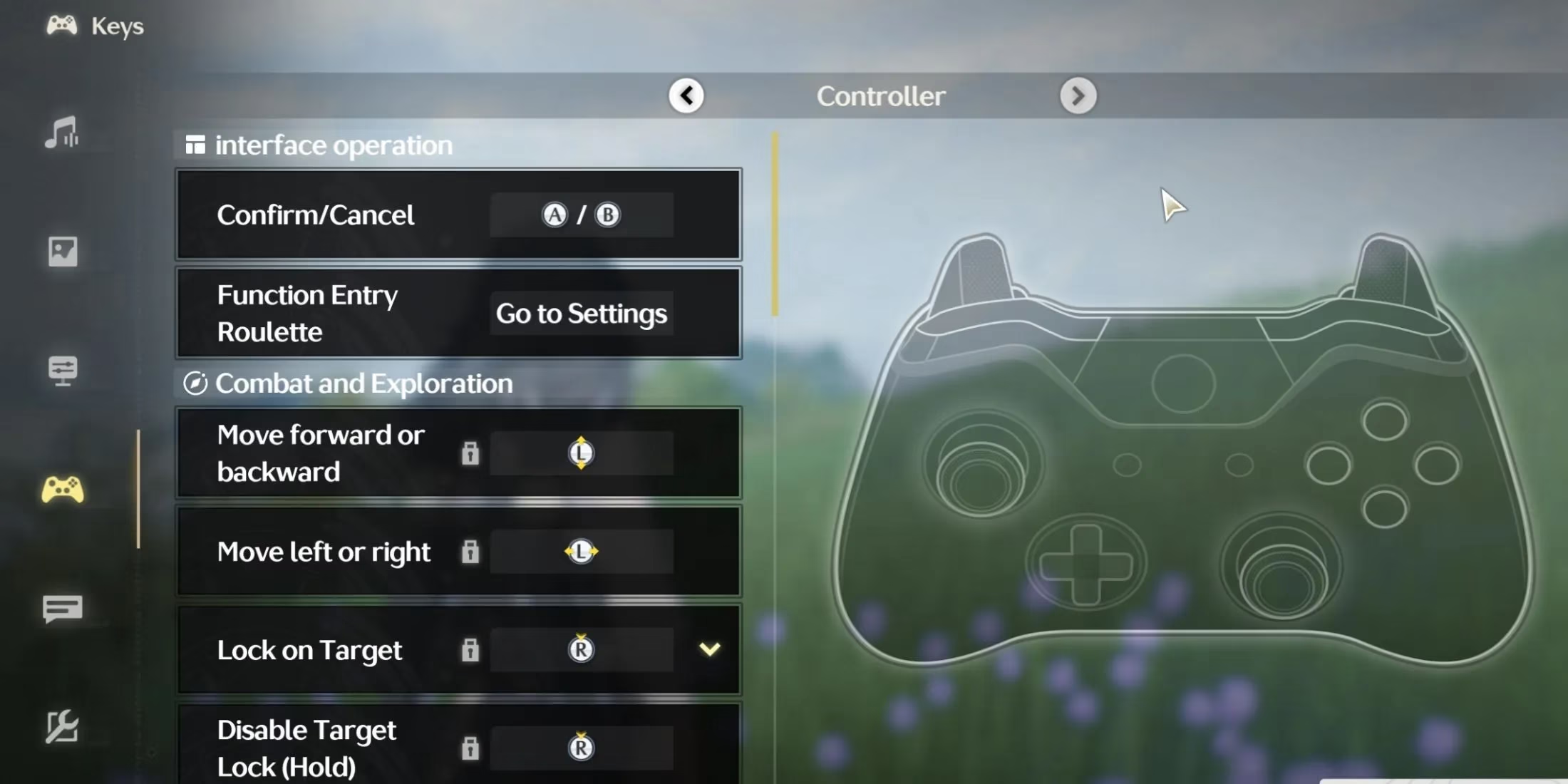
This fix isn't foolproof, though. I've had moments where the game still stuttered or buttons didn't respond right. Could be my old hardware or a conflict with other software running. Other players suggest alternatives like reWASD or Steam Input, but DS4 remains my go-to for its simplicity. Still, why should we need external apps? It feels like a band-aid solution. And with Wuthering Waves evolving—new characters, events—it's weird that controller support isn't seamless yet. 🧐
Is there a better way? Maybe future updates will integrate native fixes, but for now, this gets the job done. When I finally got my controller working, the combat flowed like silk; parries and dodges felt intuitive, not clunky. But it raises questions: What if the problem stems from how the game processes inputs during intense battles? Or could it be tied to specific PC setups? Only time will unravel this puzzle.

In the end, Wuthering Waves is a gem despite these flaws. Its popularity in 2025 shows players are willing to overlook minor snags for that adrenaline rush. But hey, if you're stuck, give DS4 a shot—it might just rescue your gaming session. And who knows, maybe next year, we won't need these workarounds at all. 🤞