
In the summer of 2026, Elio, a curious newcomer to Wuthering Waves, sat before his glowing monitor with a mix of excitement and dread. The game had launched on May 23, 2024, and by now it was a seasoned live-service world with cross-platform data sharing. Yet the installation ritual still carried the same weight. Veterans on forums joked that the true first boss of Wuthering Waves was not a towering Tacet Discord but the pre-download launcher. Elio laughed, then clicked the download button anyway.
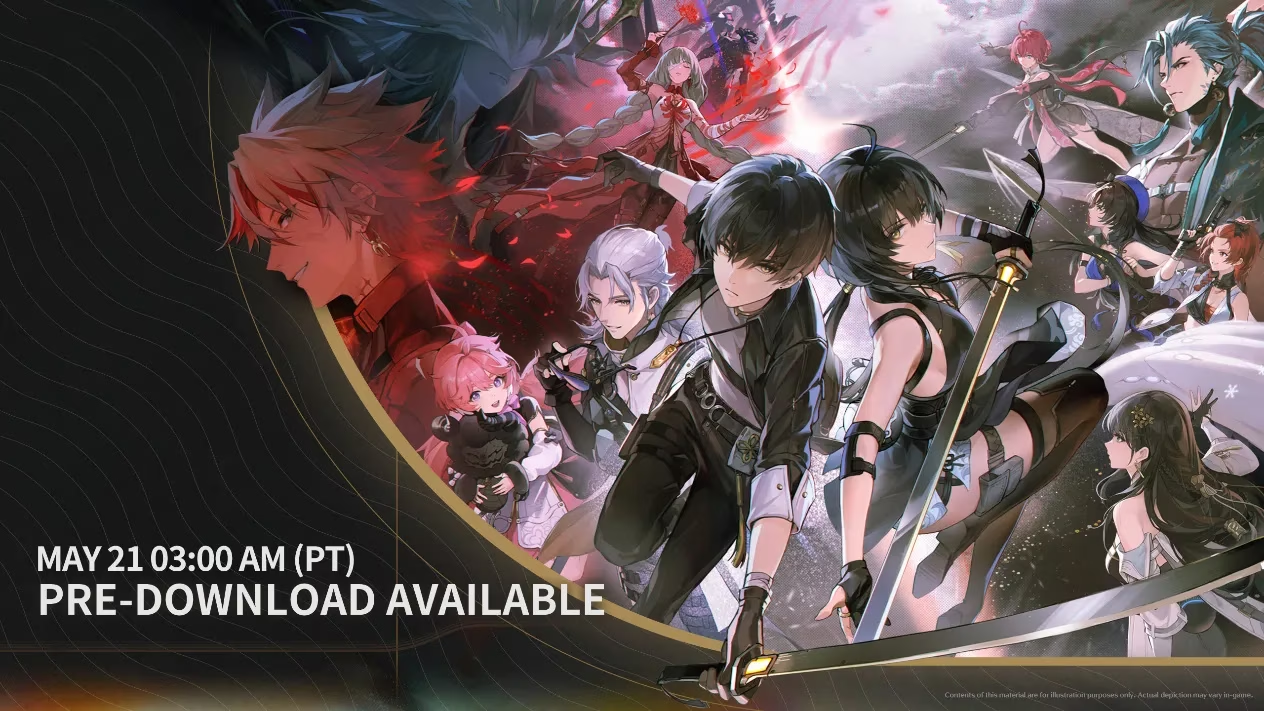
He had chosen PC, but he also wanted the freedom to continue on his phone during commutes. The official notice confirmed that PC, Android, and iOS shared data—a small mercy in a busy year. Before downloading, he checked the device requirements like a pilot running through a pre-flight checklist.
| Platform | Minimum | Recommended |
|---|---|---|
| Android | Android 7.0+, Snapdragon 835, Dimensity G71/72 or equivalent | Android 7.0+, Snapdragon Gen1+/Gen2/Gen3 or equivalent MediaTek |
| iOS | iOS 14+, iPhone 11+, iPad with A13 SoC or equivalent | iOS 15+, iPhone 13+, iPad with A15 SoC or equivalent |
| PC | Check official specs | Check official specs; SSD strongly recommended |
Storage was another matter. Android and iOS needed 12 GB, while PC demanded 25 GB. Elio cleared space on his SSD and watched the progress bar crawl. The download speed wobbled, dropped to zero, then resumed after he paused and restarted it—exactly the kind of patience test described in the FAQ. He made tea. He paced. He checked the clock. The launcher’s note reminded him that the server would open at 10:00 UTC+8 on launch day; in 2026, that date was history, but the waiting instinct remained.
Then his malware protection program flashed a warning: dll files were being modified. For a second, Elio panicked. But the FAQ had prepared him. All downloaded content was essential; he dismissed the prompt and let the download finish. The launcher installed, but when he tried to run it, a prompt declared that vcruntime140_1dll was missing. He sighed, opened the troubleshooting guide, installed the required Visual C++ redistributable packages, and reinstalled the launcher. It worked.
The game started—then went blank. A click produced the dreaded “Program not responding” pop-up. Elio could almost hear the veterans laughing. He followed the checklist: he verified his specs, added the game to his security program’s whitelist, updated his graphics driver, and used the launcher’s Repair button. The repair took a while. He waited. When the game finally loaded, the title screen bloomed like a reward.
He later discovered that the launcher had a habit of crashing after startup if files were corrupted. Restarting the computer and repairing again solved it. By the time he created his Rover and stepped into the world, the night had grown quiet. The launch date of 2024 was history, but in 2026 the pre-download ritual still taught the same lesson: patience, preparation, and a little technical grit.
| Symptom | Fix |
|---|---|
| “vcruntime140_1dll was not found” | Install the required Visual C++ redistributables, then reinstall the launcher |
| Blank screen or “Program not responding” | Check specs, whitelist the game, update graphics drivers, and repair files |
| Slow or unstable download | Check internet connection; pause and resume later |
| Download speed drops to zero | Confirm connection, pause and resume; contact support if it persists |
| Anti-malware flags dll files | Dismiss the prompt or temporarily disable protection to re-download safely |
| Game crashes immediately after startup | Use Repair; restart the computer and repair again if needed |
For new players in 2026, Elio’s advice was simple: check the official device requirements, reserve enough storage, keep the launcher and drivers updated, and never ignore the Repair button. If an issue persists, contact official customer service. The game is worth it. And the first adventure? Sometimes it begins before the server even opens. 🎮✨